Experience Presenter
A category-level pattern class for structuring exhibit-centred AR content after visitors have reached and activated a point of interest.
Name
Experience Presenter
Level and Category
Category-level pattern class in the consolidated pattern system.
It groups application-level patterns that present, structure, or support exhibit-centred AR content after visitors have reached and activated a point of interest.
Intent
Provide a modular and self-paced AR presentation structure that helps visitors explore complex exhibit content through manageable, selectable, and progressively revealed segments.
The category supports the visitor journey from activated AR experience to exhibit-centred interpretation, interaction, reflection, and completion. It can be instantiated through application-level patterns such as Sequential Explanation, AR Labelling, AR Exhibit Reassembler, AR Exhibit Feature Drawing, and AR Object Catching.
Rationale
Museum exhibits often contain multiple thematic layers, such as scientific explanation, historical context, physical structure, ecological relationships, cultural meaning, or conservation relevance. In HMD-based AR, presenting all available information at once can overload visitors, especially under limited field of view, divided attention, short visit duration, and unfamiliar interaction conditions.
The Experience Presenter class separates the general content-presentation function from its concrete interaction form. This allows creators to preserve a consistent presentation logic across exhibits while choosing different presentation strategies, such as step-by-step explanation, spatial labelling, reconstruction tasks, creative drawing, or embodied object-catching interactions.
As a category-level class, Experience Presenter defines the shared presentation role, variation dimensions, state logic, and composition position of exhibit-centred AR patterns without requiring one fixed interface layout, media type, task structure, or navigation model.
Problem
Visitors may face information overload when an exhibit contains several content layers without a clear structure or controllable pacing. They may not know which information to attend to first, how different media elements relate to the physical exhibit, or whether they have completed the intended experience.
This problem becomes more noticeable in HMD-based AR because text, 3D overlays, audio, animation, spatial highlights, and interaction prompts all compete for attention within a limited field of view. If the presentation is poorly structured, visitors may skip important content, become cognitively overloaded, or treat AR elements as disconnected visual effects rather than meaningful exhibit interpretation.
A reusable presentation structure is therefore needed so that different exhibit-centred AR experiences can support modularity, pacing control, step-by-step revealing, completion awareness, accessibility, and handoff in a consistent way.
Context
This category applies to HMD-based AR museum and exhibition experiences after visitors have reached and activated an AR-capable exhibit. It is especially relevant for content-rich exhibits that require explanation, comparison, reconstruction, feature interpretation, or active engagement.
The category assumes that the system can present AR content through one or more modalities, such as text, image, audio, 3D models, spatial labels, animations, interactive objects, or gesture-based tasks, and that visitors can control or influence pacing through simple interaction mechanisms.
Use When
Use this category when:
- visitors need to explore exhibit-centred AR content after activation;
- the exhibit contains multiple content units, media types, parts, themes, or interaction tasks;
- creators need to choose between different presentation strategies;
- the experience requires self-paced navigation, modular content, or progressive disclosure;
- visitors should be able to pause, resume, skip, repeat, branch, complete, or exit the presentation;
- the presentation should connect digital media clearly to the physical exhibit.
Do not rely on this category as a separate design layer when the AR content is extremely simple, when no exhibit-centred interpretation is needed, or when the experience consists only of guidance or activation. In those cases, the presentation function may be integrated directly into a smaller interaction sequence.
Forces
- Information depth vs. cognitive load: The presentation should provide meaningful content without overwhelming visitors with too many simultaneous media elements.
- Visitor control vs. narrative coherence: Visitors should control pacing and selection, while the experience should still maintain a coherent interpretive structure.
- Progressive disclosure vs. discoverability: Deeper content should appear when relevant, but visitors still need to understand what content is available.
- Media richness vs. exhibit attention: Text, audio, animation, 3D models, and interaction tasks can enrich interpretation, but may also draw attention away from the physical exhibit.
- Consistency vs. content specificity: Presentation semantics should remain recognizable across exhibits, while concrete media, layout, and interaction forms should adapt to local content.
- Guided sequence vs. open exploration: Some exhibits benefit from ordered explanation, while others benefit from free inspection, reconstruction, drawing, or embodied tasks.
- Engagement vs. seriousness: Playful or creative presentation forms can support engagement, but must remain appropriate to the exhibit topic and curatorial framing.
- Completion clarity vs. open-ended reflection: Visitors should understand when a presentation is complete, while still having space to revisit, compare, or continue exploring.
Solution
Define a shared content-orchestration layer that governs how exhibit-centred AR content is organized, selected, presented, deepened, paused, completed, and exited. The category should not prescribe one fixed widget, media layout, task type, or timing model. Instead, it establishes system-level guarantees: content should be modular, pacing should be controllable, deeper information should be progressively revealed, media should be coordinated, and completion or exit states should be understandable.
A typical lifecycle includes:
Discover / Overview → Select → Present → Deepen / Branch → Pause / Resume → Complete → Exit / Return
In the Discover / Overview state, the system introduces what content or interaction is available. In the Select state, the visitor chooses or enters a module, step, label, task, or interaction mode. In the Present state, the system displays the current content unit or interaction task. In the Deepen / Branch state, visitors may reveal additional details, switch to a related layer, or complete a sub-task. In the Pause / Resume state, visitors can temporarily stop or continue media or interaction. In the Complete state, the system provides a summary, final feedback, or task outcome. In the Exit / Return state, visitors return to an overview, another presenter module, or guidance toward the next point of interest.
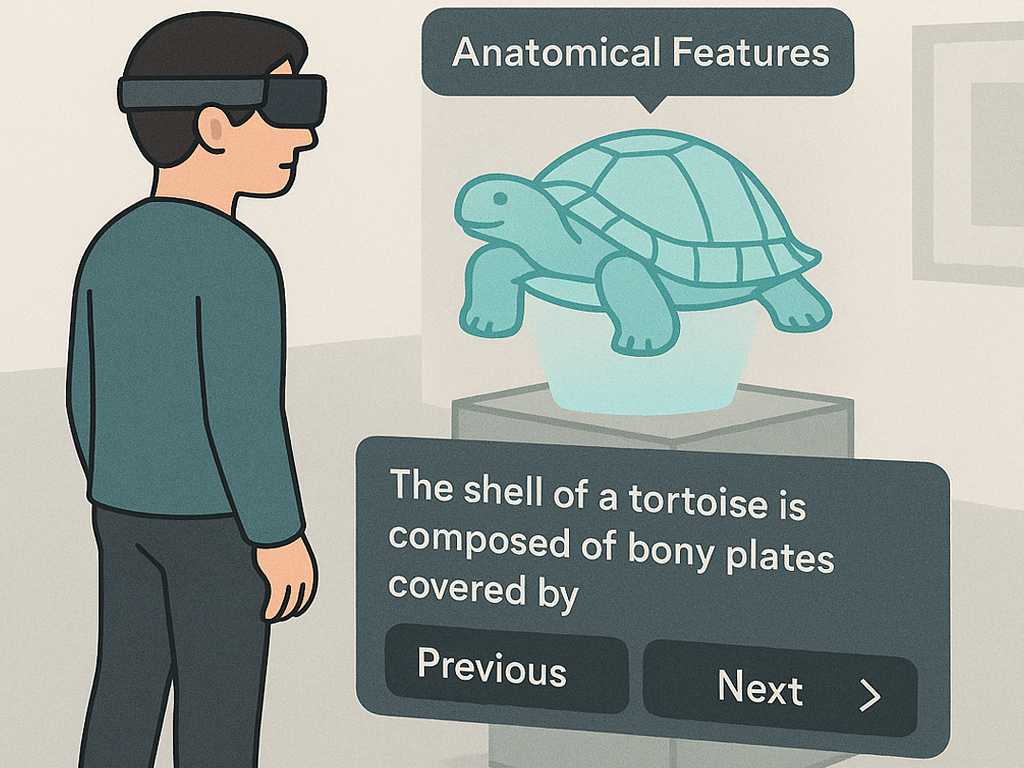
Concrete application-level patterns instantiate this lifecycle differently. Sequential Explanation uses ordered content steps and navigation controls. AR Labelling uses spatial labels and component-linked explanations. AR Exhibit Reassembler uses reconstruction tasks and completion logic. AR Exhibit Feature Drawing uses visitor-created markings and comparison overlays. AR Object Catching uses embodied catching or protection mechanics with result feedback.
Design Parameters and Recommended Settings
- Module organization: Organize content as thematic categories, ordered steps, spatial components, reconstruction phases, drawing tasks, object-catching sessions, or other exhibit-specific modules.
- Content granularity: Keep each unit focused on one main idea, component, action, or interpretive relation. Avoid long panels or excessive simultaneous information.
- Navigation model: Select sequential navigation, free-jump navigation, milestone-based progression, guided branching, or task-based progression according to the exhibit goal.
- Presentation modality: Combine text, images, 3D models, spatial highlights, audio narration, captions, animation, or micro-interactions only when each medium adds distinct interpretive value.
- Pacing control: Provide Pause, Resume, Repeat, Skip, Exit, or Return controls where appropriate. Time-based media should not trap visitors in a fixed pace.
- Progress visibility: Show the current module, step, task state, or completion status through a lightweight progress indicator, title, tab, or state cue.
- Spatial anchoring: Decide whether content should be exhibit-anchored, body-anchored, environment-anchored, or hybrid. The choice should preserve readability while maintaining connection to the exhibit.
- Progressive disclosure: Reveal deeper information only when visitors select, approach, complete a task, or request more detail. Avoid displaying all layers at once.
- Accessibility settings: Provide captions or transcripts for audio, adjustable text size and contrast, non-colour-dependent cues, and alternative paths for visitors who cannot use a specific input mode.
- Media persistence: Define whether progress, completed modules, visitor-created content, or selected states persist within the session, across exhibits, or not at all.
- Exception states: Define how the system handles paused interaction, loss of focus, low tracking confidence, overload, skipped modules, or interrupted media.
- Logging points: Record module entry, module exit, dwell time, step transitions, skipped content, repeated content, completed tasks, pause/resume behaviour, and completion rate.
Consequences
When applied successfully, the Experience Presenter category helps visitors explore complex exhibit content without being overwhelmed. It supports self-paced learning, personalized exploration, and clearer connections between AR media and the physical exhibit. It also gives creators a reusable structure for organizing different presentation styles under a shared logic of modularity, pacing, state management, and completion.
However, the category also introduces risks. Too many modules may cause too many choices. Too much interface structure may make the experience feel like a digital menu rather than situated museum interpretation. Visitors may skip essential information if branching is too open, while overly linear structure may reduce exploration. The category therefore requires careful tuning of content detail level, module count, navigation freedom, media density, progress feedback, and spatial anchoring.
Related Patterns
- Application-level patterns in this category
- Sequential Explanation instantiates this category through ordered, self-paced content steps and navigation controls.
- AR Labelling instantiates this category through spatial labels and component-linked explanations.
- AR Exhibit Reassembler instantiates this category through an interactive reconstruction task that presents part-whole relationships.
- AR Exhibit Feature Drawing instantiates this category through visitor-created spatial markings and comparison with expert interpretation.
- AR Object Catching instantiates this category through embodied catching or protection mechanics that make threats and mitigation tangible.
- Preceding activation patterns
- Step-In Trigger commonly precedes Experience Presenter by activating the exhibit-centred AR experience through a spatial entry zone.
- Exhibit Knowledge Trigger commonly precedes Experience Presenter by unlocking exhibit-centred AR content through a short concept-linked interaction.
- Preceding guidance patterns
- Avatar Guide commonly precedes Experience Presenter indirectly by guiding visitors to the point of interest before activation and presentation.
- Forward Cue-Routing commonly precedes Experience Presenter indirectly by guiding visitors through lightweight route cues before activation and presentation.
Composition Notes
Experience Presenter normally occupies the main exhibit-centred phase of a museum HMD-AR interaction sequence. A typical composition is:
PoI Guide → Experience Indicator → Experience Presenter
For example:
Avatar Guide → Step-In Trigger → Sequential Explanation → AR Labelling
or:
Forward Cue-Routing → Exhibit Knowledge Trigger → AR Object Catching
The handoff from activation should be clear. Once Step-In Trigger or Exhibit Knowledge Trigger activates the experience, the presentation pattern should become visually primary and should communicate its first available action or content unit.
The handoff out of the presentation should also be explicit. At completion, the system may provide a summary, return to the exhibit overview, suggest another module, or hand back to a guidance pattern for the next point of interest.
When multiple presenter patterns are combined, one should define the primary flow while others serve as supporting layers. For example, Sequential Explanation may structure the overall flow while AR Labelling provides spatial annotations within each step.
Implementation Alignment
As a category-level pattern, Experience Presenter can be implemented as a shared content-orchestration layer rather than as a single visual prefab. This layer coordinates module selection, content-unit state, media playback, input routing, progress tracking, pause/resume logic, accessibility settings, fallback behaviour, and handoff events.
Application-level prefabs such as Sequential Explanation, AR Labelling, AR Exhibit Reassembler, AR Exhibit Feature Drawing, and AR Object Catching can then instantiate different presentation forms while subscribing to the same state and telemetry structure.
Relevant implementation data include:
- content-module metadata;
- media assets;
- text entries;
- spatial anchors;
- target exhibit components;
- step order;
- interaction tasks;
- completion rules;
- accessibility settings;
- logging points.
Implementation-level events may include:
- presenter started;
- module discovered;
- module selected;
- unit opened;
- media played;
- media paused;
- branch selected;
- task started;
- task completed;
- unit completed;
- module completed;
- summary opened;
- presenter paused;
- presenter resumed;
- presenter exited;
- fallback used.
These events can support debugging, usability observation, content iteration, and comparison between different presentation strategies.
Example Use
In a natural-history museum, a visitor reaches and activates an AR experience at a whale exhibit. The Experience Presenter layer defines how the exhibit-centred content is structured after activation.
In one version, the category is instantiated as Sequential Explanation, where the visitor moves through step-by-step content about anatomy, habitat, and behaviour. In another version, it is instantiated as AR Labelling, where spatial labels identify the skull, flipper, rib cage, and tail region. For a more interactive exhibit, the same category may be instantiated as AR Exhibit Reassembler, AR Exhibit Feature Drawing, or AR Object Catching.
In all versions, the presentation layer organizes the content into manageable units, supports visitor pacing, tracks progress or completion, and provides a clear handoff back to the exhibit overview or to guidance toward the next point of interest.
